
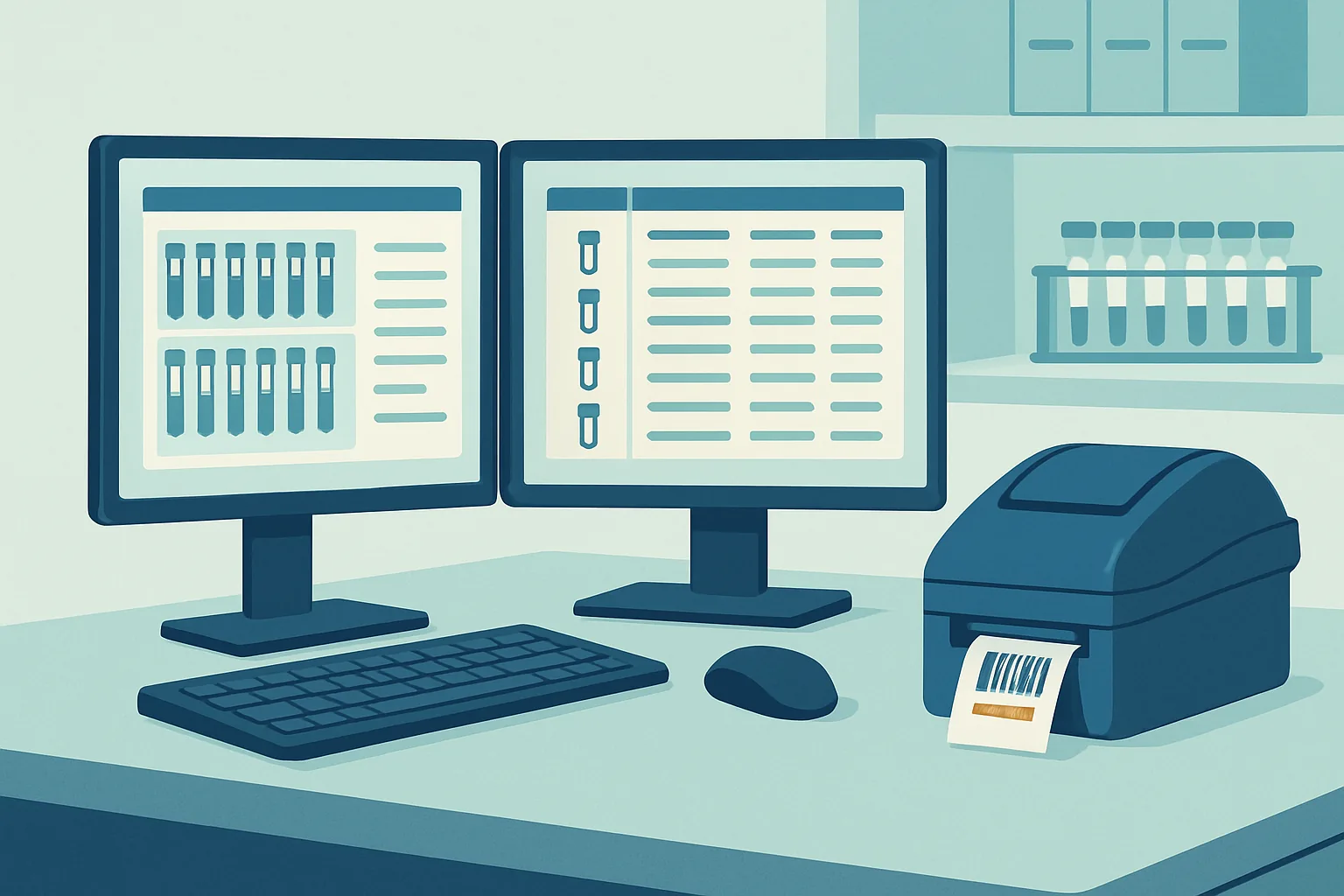
Every laboratory information management system demonstrates beautifully. The sample arrives, the barcode is scanned, the worklist populates, the instrument result flows in, the report generates, and everyone in the room can see how much better life would be. Two years later the same laboratory is running spreadsheets alongside the system to handle the three workflows it could not be made to accommodate.
The gap between those two moments is not usually caused by buying a bad product. It is caused by weighing the wrong things during selection. Features are easy to compare and largely equivalent across serious contenders. What differs, and what determines whether a laboratory is content or trapped, is how much configuration work the system demands, how honestly the vendor describes integration with the instruments you actually own, what validation will cost if you are regulated, and what leaving would involve.
None of those are visible in a demonstration, because a demonstration shows a system that has already been configured, integrated and populated by somebody else.
Key takeaways
- A LIMS is sample-centred workflow software; if your problem is narrative record keeping, you may want a different category of tool.
- Map your existing workflow in detail before shopping, because the map becomes both your requirements list and your test of any demonstration.
- Configuration effort, not licence cost, is the largest and most frequently underestimated part of the project.
- Instrument integration should be assessed model by model against your own equipment, not accepted as a general claim.
- Ask what leaving costs before you sign, because that is the only moment you have any leverage over the answer.
What a LIMS Is Supposed to Do
At its core a LIMS answers one question repeatedly and reliably: where is this sample, what has been done to it, and what were the results. Everything else is elaboration on that.
The sample is the organising unit. A record is created when material is received or collected, given an identifier, and associated with a submitter, a set of requested tests, and any relevant metadata about origin and condition. From that point the system tracks the sample through a defined sequence of states, records who performed each step, captures results against the tests requested, applies acceptance criteria, and produces a report.
Around that spine sit the functions that make the spine work. Inventory management for reagents and consumables, with lot numbers and expiry dates linked to the results they contributed to. Instrument and equipment records, including calibration and maintenance status, so that a result produced on an out-of-calibration instrument can be identified. Personnel records covering training and authorisation. Storage location management down to the freezer, rack and position. Quality control tracking, with control results charted over time. Client and billing functions where the laboratory serves external customers.
It is worth being clear about what a LIMS is not. It is not a notebook. It does not naturally hold the narrative of an experiment, the reasoning behind a decision, or the observations that do not fit a field. Research groups sometimes buy a LIMS when what they needed was an electronic laboratory notebook, and then find themselves fighting a system built to move known samples through known tests. Testing and diagnostic laboratories, where the workflow genuinely is repetitive and sample-centred, are where a LIMS fits naturally.
Mapping Your Workflow Before Shopping
The single highest-value activity in a LIMS project happens before any vendor is contacted, and it is unglamorous: writing down exactly what currently happens.
That means following samples from the moment they arrive to the moment the report leaves, recording every handling step, every decision point, every piece of paper, every spreadsheet, and every place where information is copied from one place to another. It means noting who does each step and what they need to know to do it. And it means capturing the exceptions, because exceptions are where implementations fail. What happens when a sample arrives without paperwork, when a test must be repeated, when a client changes the request midway, when a result is outside range, when a batch has to be split, when a sample is subcontracted to another laboratory?
This map serves three purposes. It becomes the requirements document, expressed in terms of what must be supported rather than a wish list of features. It becomes the script for evaluating demonstrations, because a vendor asked to walk one of your real workflows through their system will reveal far more than one delivering a prepared tour. And it frequently identifies process problems that no software will fix, which is worth knowing before spending money on the assumption that it will.
Two disciplines improve the exercise. First, distinguish between what must be supported and what would be pleasant, and be honest, because a requirements list where everything is mandatory conveys no information to anyone. Second, separate the workflow as it is from the workflow as it should be. Implementations that attempt process redesign and software introduction simultaneously carry both risks at once, and when something goes wrong nobody can tell which change caused it.
Configuration Burden and Hidden Cost
Licence cost is the number that appears in the budget and the smallest part of the true expenditure. The larger costs are labour, and most of that labour is configuration.
Configuration means building your laboratory inside the system: defining sample types, test definitions with their acceptance criteria and calculations, workflow states and the transitions between them, report templates, user roles and permissions, storage hierarchies, and the rules that fire when something falls out of specification. Every one of these has to be specified by somebody who understands both the laboratory and the software, and the number of such people available is usually one, part time, already busy.
There is a spectrum of products and it matters more than most buyers realise. At one end sit highly configurable platforms that can model almost anything and require substantial effort and expertise to do so. At the other sit systems built for a specific sector, arriving with the workflows of that sector already defined, which are quick to deploy and inflexible where your practice differs. Neither is better in the abstract. The mistake is buying a general platform expecting sector-specific speed, or buying a sector product expecting to reshape it.
| Cost element | Typically visible at purchase | Frequently underestimated | Who bears it |
|---|---|---|---|
| Software licence or subscription | Yes | Rarely | Budget holder |
| Configuration and workflow build | Partly | Almost always | Internal staff, or consultants |
| Instrument integration | Named as a line item | Usually, per instrument | Internal or vendor engineers |
| Data migration | Sometimes | Almost always | Internal staff |
| Validation and documentation | In regulated settings | Often, for upgrades | Quality function |
| Training and lost productivity | Rarely | Always | The whole laboratory |
| Ongoing configuration changes | No | Always | Internal administrator |
That last row deserves attention. A laboratory is not static. New tests, new clients, new regulatory requirements and new instruments all arrive, and each requires configuration work. If that work can only be done by the vendor at professional services rates, the system carries a permanent tax. Ask directly during evaluation which changes a trained internal administrator can make and which require the vendor, and ask for the boundary in writing.
Instrument Integration in Practice
Integration is where enthusiasm meets the loading dock. The general claim, that the system integrates with laboratory instruments, is close to meaningless. The useful question is whether the vendor has integrated your specific instrument models before, and what that integration transferred.
Instruments fall into rough tiers. Recent equipment from major manufacturers often exposes a documented interface or writes structured files that are straightforward to parse, and integration is routine. Middle-aged equipment may write proprietary formats that a vendor has already learned to read, in which case an existing connector exists and works. The problem tier is older equipment writing undocumented binary files to a local machine, or producing only printed output, and this tier is well populated because instruments outlive software by decades.
The direction of flow matters too. One-way integration, in which results arrive in the system from the instrument, is the common case and delivers most of the benefit by eliminating transcription. Two-way integration, in which the system sends a worklist to the instrument telling it which samples to run in which positions, is considerably more valuable and considerably harder, since it requires the instrument to accept external input in a documented way.
Middleware sits between the two worlds in many laboratories, particularly in clinical settings, translating instrument protocols into something the LIMS understands. It is an additional product with its own cost, its own configuration and its own failure modes, and it is frequently omitted from initial cost estimates because nobody mentioned it during the demonstration.
Ask three questions for each instrument that matters. Has this exact model been connected before, and can you speak to a laboratory where it runs? Does the connection carry raw data, calculated results, or both, and does it carry the metadata identifying operator, method and calibration state? And who fixes it when the instrument’s own software receives an update that changes the output format, because that will happen.
Validation Requirements in Regulated Settings
If your laboratory operates under accreditation or regulatory oversight, validation is a project of its own running alongside the implementation, and treating it as an afterthought is the most reliable way to double a timeline.
Validation means producing documented evidence that the system, as configured for your laboratory, consistently does what you specified it should do. In practice that means writing a specification of requirements, a specification of how the system is designed and configured to meet them, and then a set of test protocols that exercise each requirement with recorded results and evidence. It also means demonstrating control over the process: change control procedures, a training record for every user, defined roles and permissions, and a documented approach to backup and recovery.
Two points are routinely missed by first-time buyers. The first is that vendor validation does not transfer. A vendor can validate that their product functions as designed, and that is genuinely useful supporting evidence, but the regulated object is your configured installation, and only you can validate that. Vendor validation packages reduce the work; they do not remove it.
The second is that validation recurs. Every upgrade, every configuration change of substance, and every new integration triggers an assessment of what must be revalidated. This has a strategic consequence for product choice: a vendor releasing frequent mandatory updates to a hosted system imposes a continuing validation burden that a self-hosted product upgraded on your own schedule does not. Neither model is wrong, but the cost profiles differ substantially and the difference only becomes apparent after purchase.
Related requirements cluster around electronic records and electronic signatures. Where signatures are applied electronically, the system must bind the signature to the record, identify the signer, capture the meaning of the signature, and prevent it being transferred to another record. These are specific technical capabilities, and asking whether a product supports them is a better question than asking whether it is compliant, which is a claim about a system in use rather than about software.
Data Migration From Existing Systems
Migration is the phase most likely to consume a schedule, and the reason is rarely technical difficulty. It is that legacy data is messier than anyone remembers.
The characteristic discoveries are always similar. The same client appears under four spellings. Sample identifiers were formatted one way until a change three years ago and another way since. A field labelled for one purpose has been used for a different purpose since a departed colleague started doing so. Units are inconsistent. Dates appear in two conventions. Free text fields contain information that the new system expects as structured values, and extracting it requires either a person reading every record or a script that will be wrong in a minority of cases.
Cleaning this is unavoidable work, and it is best done before migration rather than after, because a new system loaded with dirty data inherits every problem and adds the difficulty of finding them again in an unfamiliar interface.
The scope decision matters as much as the cleaning. Full historical migration is expensive and often unnecessary. Common alternatives are migrating only open samples and active clients into the new system while keeping the old one available in read-only form for a defined retention period, or migrating a defined recent window and archiving the rest as exported files with an index. The right choice depends on how often historical records are genuinely consulted, which is a question worth answering with evidence rather than assumption, since the answer is frequently much less often than people expect.
Whatever the scope, migration needs verification. That means agreeing beforehand what checks will demonstrate success, such as record counts by category, reconciliation of totals, and inspection of a random sample of records field by field against the source. It also means a rehearsal: a trial migration into a test environment, with the same checks, run far enough ahead that problems can be fixed without pressure.
Exit Costs and Data Portability
The last question in an evaluation should be the first one asked in negotiation, because the answer is only obtainable while a vendor still wants your signature.
Exit cost has three components. The data itself, which must be exportable in a usable form. The relationships between data, which are what make a LIMS more than a filing cabinet. And the configuration, which represents the largest share of what the implementation cost and which has no portable form at all.
For the data, ask what the export produces. A set of comma-separated files covering every table, with documentation of what the tables mean, is a genuine answer. A proprietary archive readable only by the same product is not. Ask whether attachments and instrument files are included, whether the audit trail is included, and whether export is a standard function available to an administrator or a professional services engagement priced at the time.
For hosted systems, ask what happens at termination: how long access continues, how long data is retained, in what form it is returned, and whether these terms are in the contract or in a policy the vendor can change. Ask where the data physically resides, which matters for both regulation and for practical access. Consider what would happen if the vendor were acquired or ceased trading, and whether escrow arrangements exist.
Configuration portability is the component nobody can solve, and the honest response is to reduce exposure rather than eliminate it. Documenting your configuration independently of the system, in your own records, means that a future migration starts from a specification rather than from archaeology. That documentation also pays for itself long before any exit, whenever a new administrator inherits the system or an auditor asks why a rule exists.
Frequently asked questions
Do we need a LIMS or an electronic laboratory notebook?
Ask what your primary unit of work is. If it is a sample moving through a defined sequence of tests with results, statuses and reports, that is a LIMS. If it is an experiment with a narrative, a rationale and observations that do not fit fixed fields, that is a notebook. Many organisations genuinely need both and run them with an integration between them. Products increasingly claim to cover both categories, and it is worth probing which side is mature, since one is usually substantially thinner than the other.
How long should an implementation take?
Longer than the vendor’s estimate, and the useful predictor is not laboratory size but workflow complexity and how many exceptions your processes contain. A small laboratory with one sample type and three tests can be running in weeks. A laboratory with many sample types, external clients, regulatory validation and a dozen instruments to integrate is working in quarters rather than months. The strongest determinant is whether the workflow mapping was done properly beforehand, because implementations that discover their requirements during configuration expand without limit.
Is a cloud-hosted system a bad idea for a regulated laboratory?
Not inherently, and many regulated laboratories run hosted systems successfully. The considerations are different rather than disqualifying: where data resides and whether that satisfies your obligations, what the vendor’s own quality system looks like and whether you can audit it, how upgrades are scheduled and whether you can defer one until revalidation is complete, and what continuity of access looks like if the relationship ends. Self-hosting trades those questions for the cost of running infrastructure and keeping it secure.
Should we build our own system instead?
Almost always no, and the reason is maintenance rather than construction. A capable developer can build something that handles your current workflow well, and organisations do this successfully. The difficulty arrives later, when that person leaves, when a regulation changes, when an instrument is replaced, or when a security vulnerability appears in a dependency. Bespoke systems tend to be excellent for several years and then become a liability that nobody wants to own. Where a bespoke component is genuinely justified, it is usually a small piece alongside a commercial core.
How do we stop people going back to spreadsheets?
Find out why they are using them, because the reason is nearly always that the system does not support something they need to do. Occasionally it is habit, and training addresses that. More often it is a real gap: a calculation the system cannot express, a report nobody configured, a workflow exception with no path through the software. Treating shadow spreadsheets as a discipline problem entrenches them, whereas treating each one as a configuration request usually eliminates most and reveals the genuine limitations of the product for the rest.
The uncomfortable summary is that the quality of a LIMS decision depends far more on preparation than on product choice. Two laboratories buying the same system, one having mapped its workflow and scoped its migration and the other having been impressed by a demonstration, will reach very different places within a year. The preparation is unglamorous and it is largely free, which is a rare combination in laboratory procurement and a reason to do it properly before anyone books a vendor meeting.